Defining connections
Introduction
In order to import data or to export data, you need first to define connections, each connection being a source of data. 3 types of connections are supported by TRAX LRS:
Defining file connections
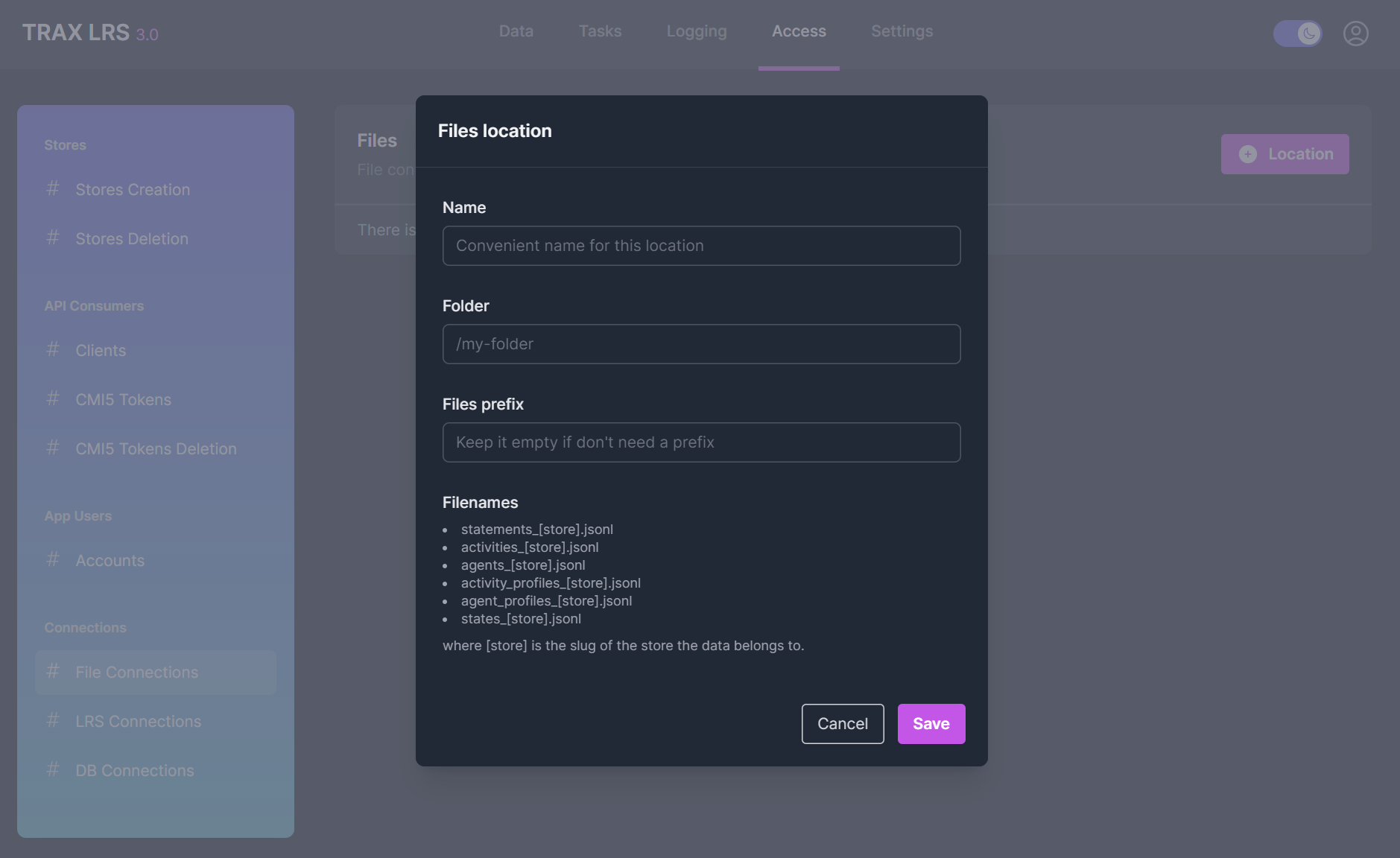
From the Access > Connections > File Connections page, you can define file connections with:
- A connection name
- A folder where data files are or will be located
- A prefix to apply to the file names
Defining LRS connections
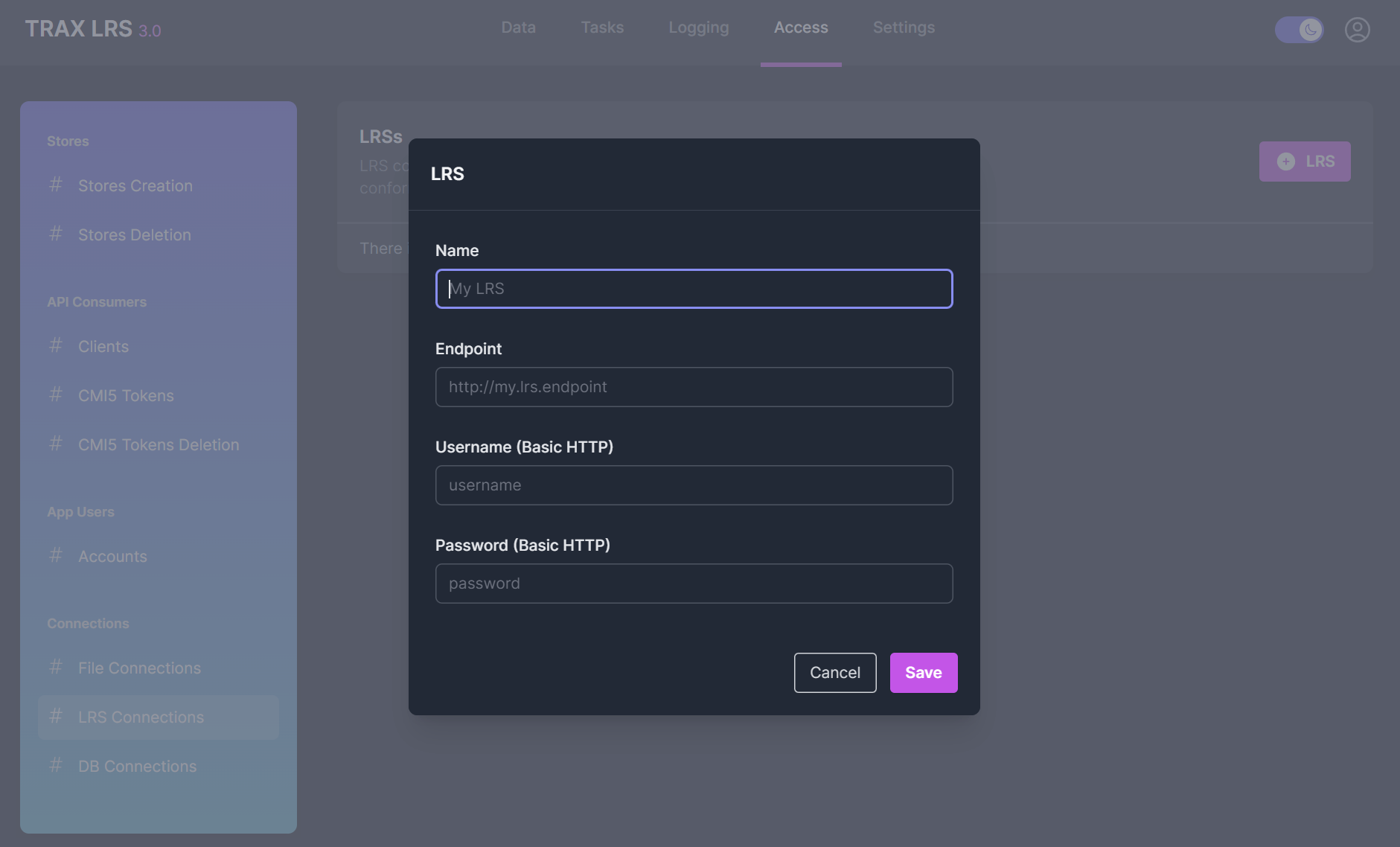
From the Access > Connections > LRS Connections page, you can define LRS connections with:
- A connection name
- The LRS endpoint
- The Basic HTTP username and password
Defining database connections
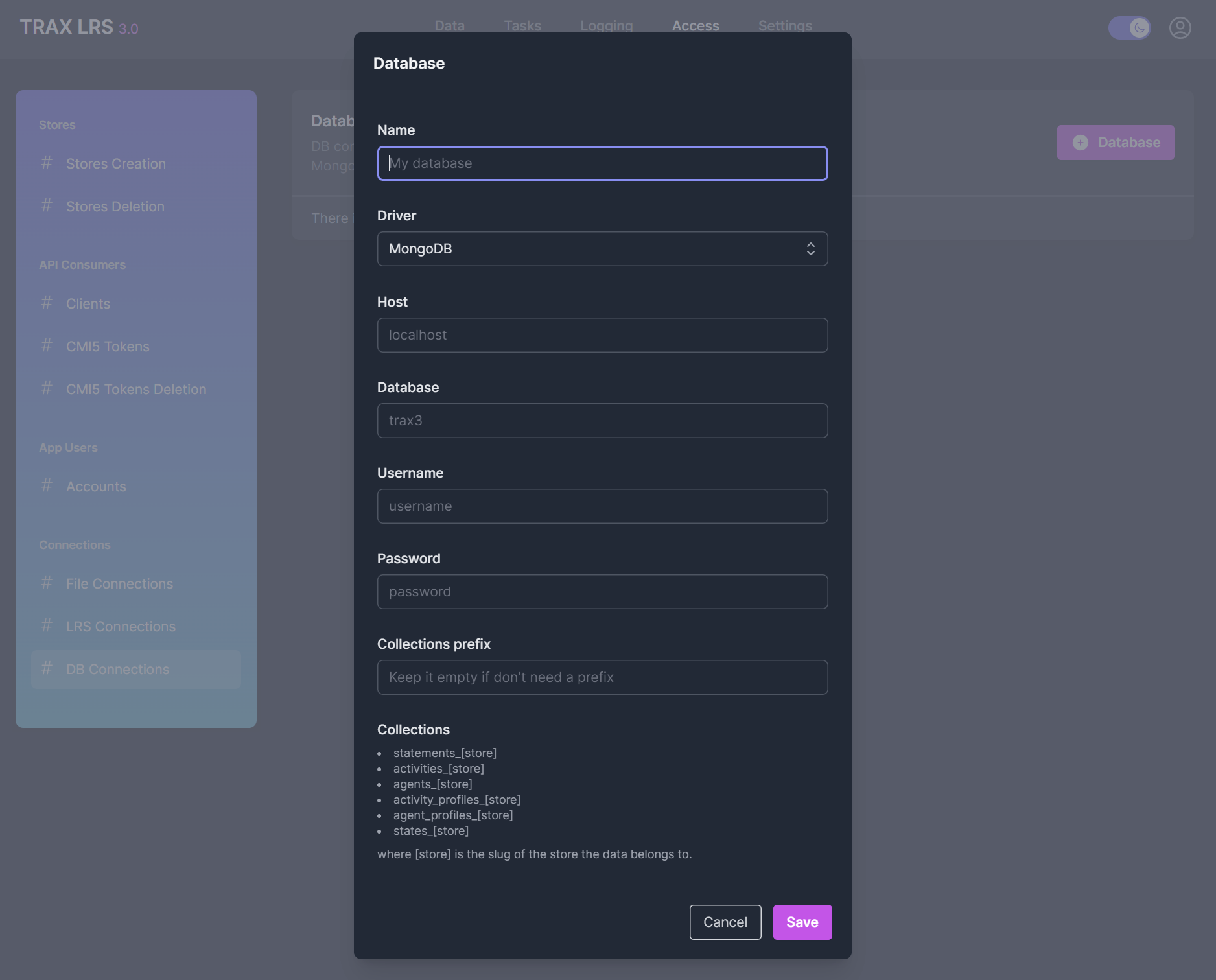
From the Access > Connections > Database Connections page, you can define database connections with:
- A connection name
- A database driver (
MongoDB,ElasticsearchorOpenSearch) - The database host, name, username and password
- A prefix to apply to collection and index names