Pseudonymizing statements
Introduction
Unlike TRAX LRS 2.x, TRAX LRS 3 is not able to pseudonymize statements in real-time, during the recording process. This choice has been done to improve the reactivity of the LRS, which can be crucial for the xAPI clients.
However, recorded statements can be pseudonymized at any time. This is what we could call a cold pseudonymization, and this can be achieved by creating a pseudonymization job. Statements can also be pseudonymized during export.
Pseudonymized agents
Pseudonymized agents look like this:
{
    "account": {
        "name": "jsdi4u5uhz5fnd;",
        "homePage": "http://pseudo.traxlrs.com"
    }
}
- The agent format is always
account. - The
nameis a MD5 hash of the stringified agent ID associated with a configurable key (XAPI_PSEUDO_HASH_KEY). - The
homePagecan be configured with theXAPI_PSEUDO_HOMEPAGEconfiguration variable.
Creating a pseudonymization job
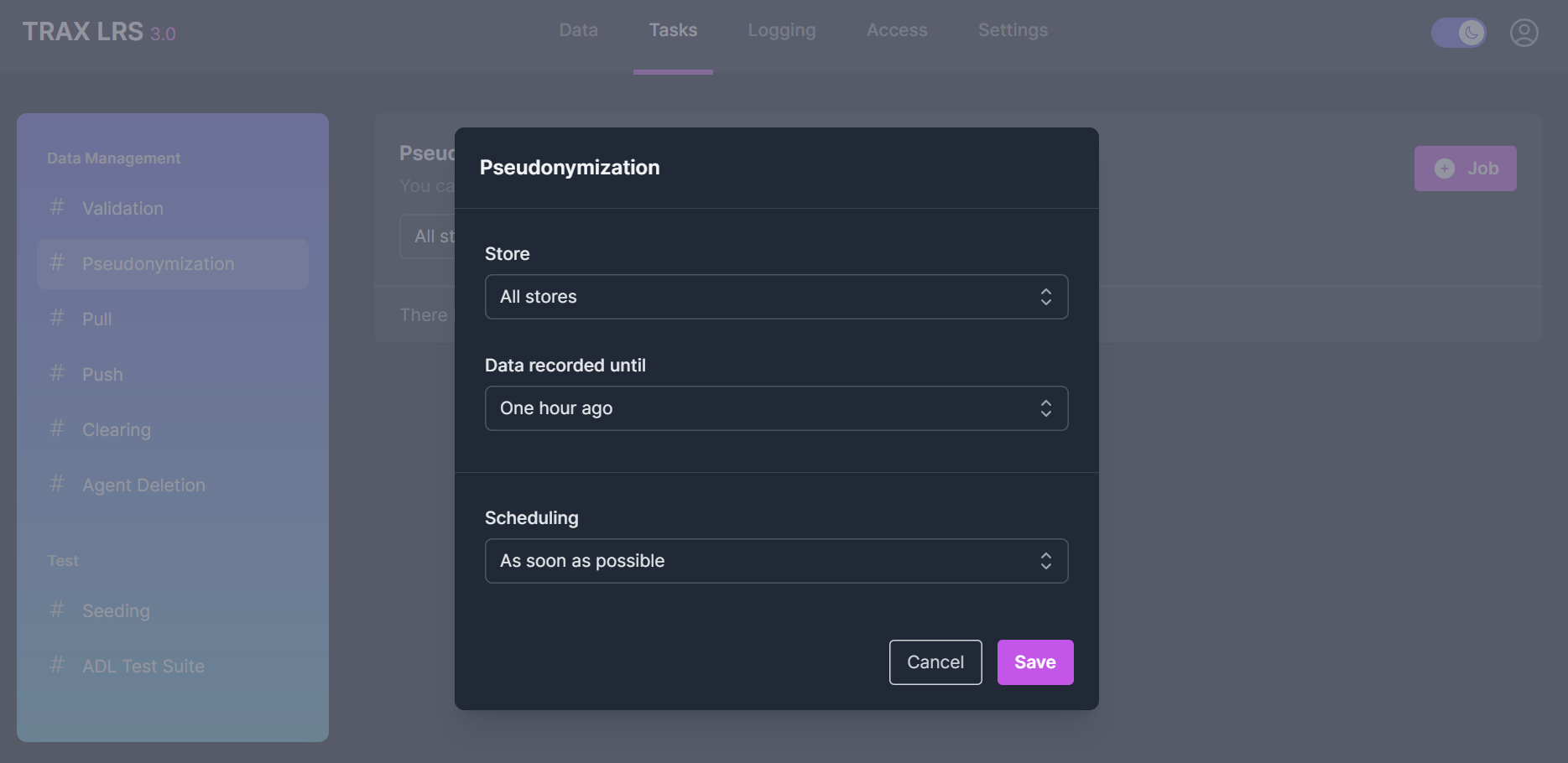
From the Tasks > Pseudonymization page, you can create a pseudonymization job for each store.
You can also define a period before pseudonymizing the recorded statements.
Managing pseudonymization jobs
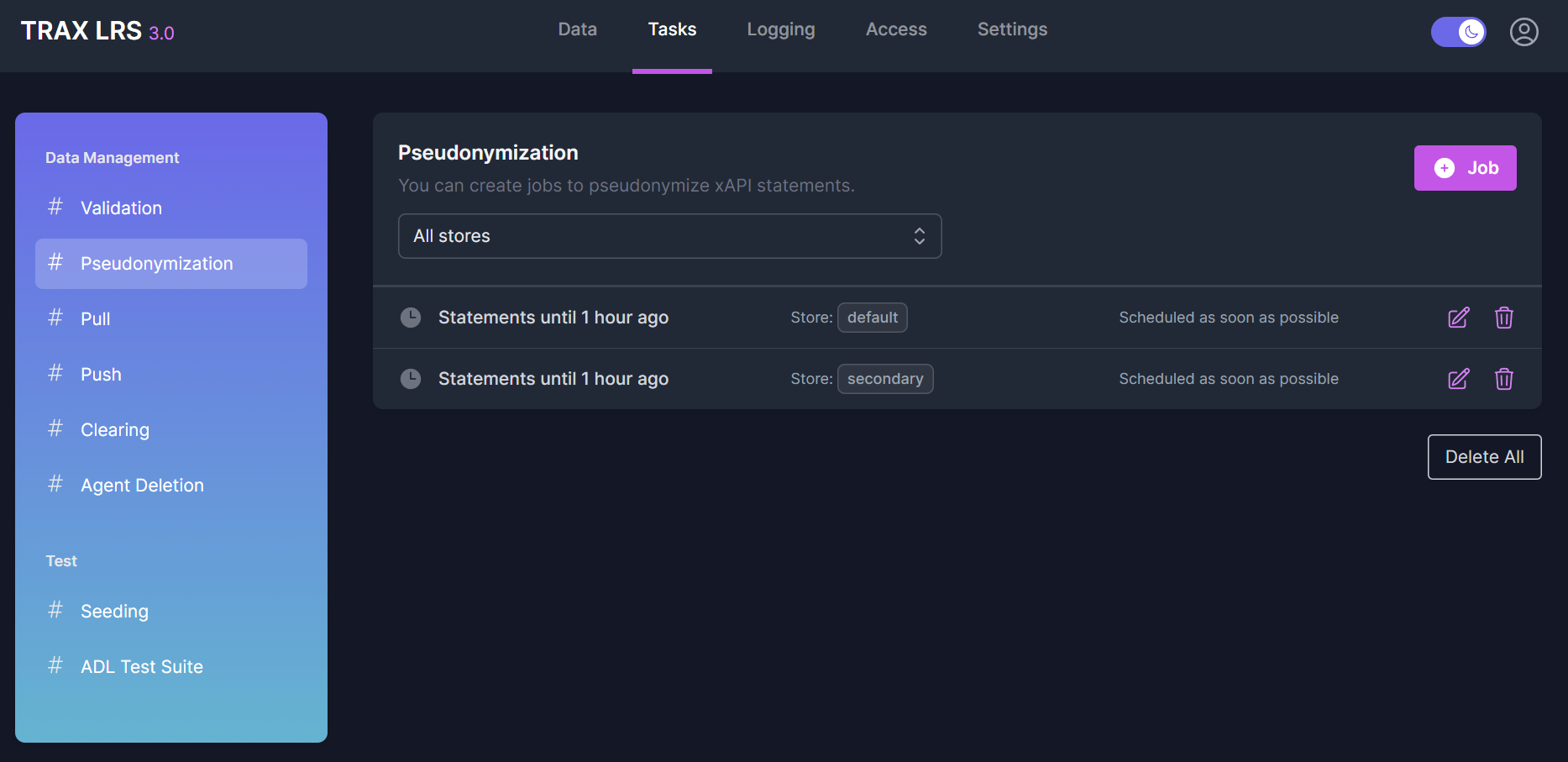
From the Tasks > Pseudonymization page, you can see all the pseudonymization jobs, their status and their scheduling.
You can modify, replay or delete pseudonymization jobs.
Pseudonymizing during export
Statements can be pseudonymized when they are exported to files, databases or LRSs,
just by enabling the Pseudonymize statements option of a push job.